
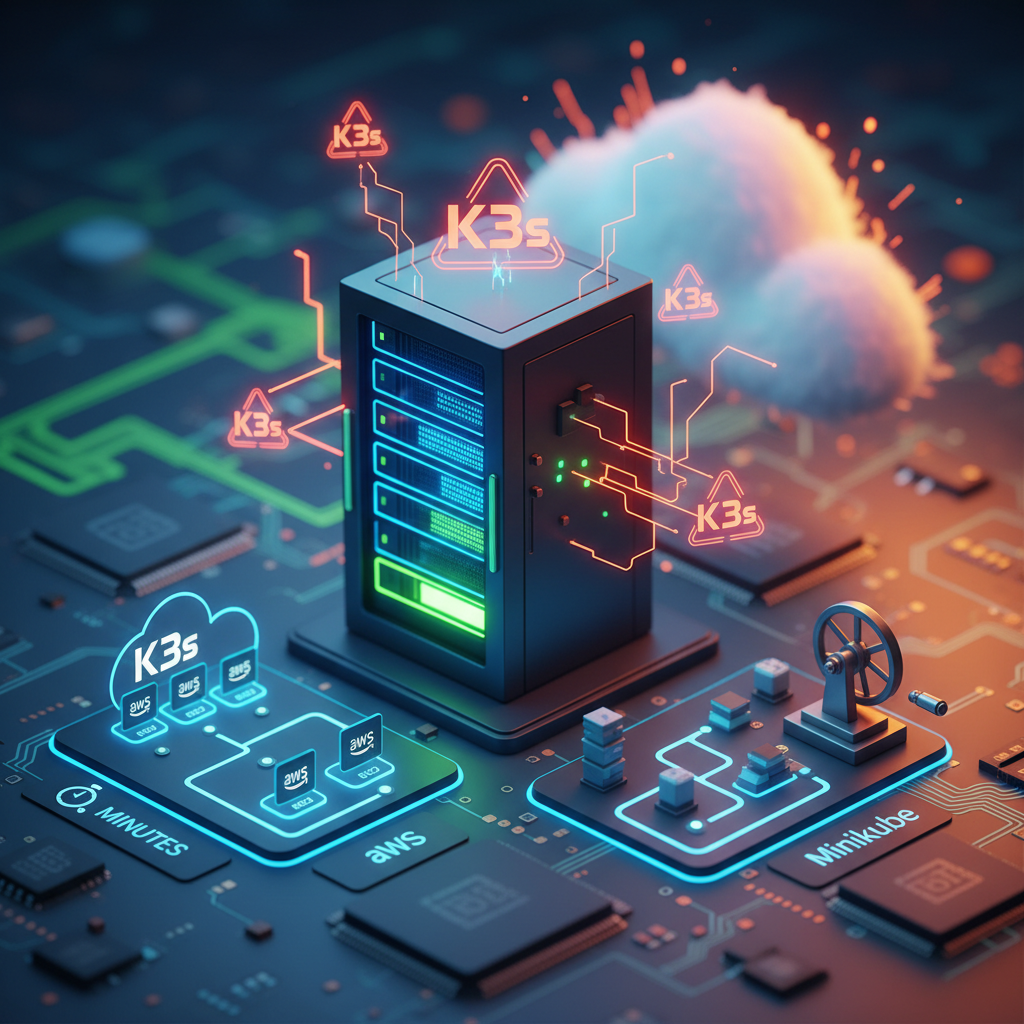
When most people start learning Kubernetes, they usually begin with Minikube.
And honestly, that’s what I did too.
But after trying K3s on an AWS EC2 instance, I realized something quickly:
👉 K3s feels much closer to a real-world environment while still being lightweight and beginner-friendly.
In this post, I’ll explain how I set up K3s on AWS EC2 in just a few minutes, compare it with Minikube, and share why K3s is becoming popular for lightweight Kubernetes deployments.
What is K3s?
K3s is a lightweight Kubernetes distribution created by Rancher Labs.
It is designed to:
- Use fewer system resources
- Be easier to install
- Run well on small servers and edge devices
Even though it’s lightweight, it still provides a real Kubernetes experience.
Why I Tried K3s Instead of Minikube
Minikube is great for learning Kubernetes locally.
But I wanted:
- A cleaner setup
- Better performance on smaller systems
- Something closer to production behavior
That’s when I tried K3s on an AWS EC2 instance.
The setup was surprisingly simple.
AWS EC2 Setup
For this setup, I used:
- Ubuntu EC2 instance
- Basic security group configuration
- Public IP access
Step 1: Launch EC2 Instance
I launched a small Ubuntu instance on AWS.
Important ports:
- 22 (SSH)
- 6443 (Kubernetes API if needed)
Step 2: Connect to the Server
ssh -i key.pem ubuntu@your-public-ipStep 3: Install K3s
This is the part that impressed me.
The installation is literally a single command:
curl -sfL https://get.k3s.io | sh -Within minutes, Kubernetes was running.
Step 4: Verify Cluster
sudo kubectl get nodesOutput:
NAME       STATUS   ROLES                  AGE   VERSION
ip-...     Ready    control-plane,master   ...
That’s it — Kubernetes cluster ready.
K3s vs Minikube
Here’s the practical difference I noticed.
| Feature | K3s | Minikube |
|---|---|---|
| Setup Speed | Very fast | Moderate |
| Resource Usage | Lightweight | Heavier |
| Runs on EC2 Easily | Yes | Less common |
| Production-Like | More realistic | Mostly local learning |
| Multi-node Support | Easier | Limited/simple |
| Best For | Lightweight clusters | Local experimentation |
Why K3s Feels Better on EC2
Minikube is mainly designed for local systems.
K3s, on the other hand:
- Runs directly on Linux
- Uses fewer resources
- Feels more like a real cluster
This makes it useful for:
- Learning
- Testing
- Small environments
Real Learning Advantage
One thing I liked about K3s is that it removes unnecessary complexity for beginners.
Instead of spending hours on setup, you can focus on:
- Pods
- Deployments
- Services
- Debugging
That makes learning Kubernetes much smoother.
Example: Deploying Nginx
After setup, I tested a simple deployment.
kubectl create deployment nginx --image=nginxCheck pods:
kubectl get podsExpose service:
kubectl expose deployment nginx --type=NodePort --port=80Is K3s Good for Beginners?
Yes — especially if:
- You want faster setup
- You are learning on cloud servers
- Your system resources are limited
It gives you real Kubernetes experience without heavy overhead.
⚠️ Important Note
K3s is lightweight, but Kubernetes concepts remain the same.
You still need to understand:
- Networking
- Deployments
- Services
- Debugging
Practical Video Walkthrough
I also recorded a full practical walkthrough showing:
- EC2 setup
- K3s installation
- Comparison with Minikube
You can watch it here:
Final Thoughts
Minikube is still a great tool for learning Kubernetes basics locally.
But if you want something lightweight that feels closer to a real cloud setup, K3s is definitely worth trying.
The fact that it can be installed in minutes makes it even more beginner-friendly.
What You Should Do Next
Try this yourself:
- Launch a small EC2 instance
- Install K3s
- Deploy a simple application
Hands-on practice makes Kubernetes much easier to understand.
👉 Bonus Tip
If you are learning DevOps or cloud, try multiple Kubernetes environments instead of sticking to only one setup tool.
About the Author
Madhukar Reddy is a DevOps engineer focused on AWS, Kubernetes, Docker, cloud infrastructure, and cyber security. He shares practical cloud and security content based on hands-on experience, real-world projects, and DevOps learning journeys.
