How I Got $1000 in Free AWS Credits Through AWS Activate Founders
 madhukarreddyeng
5 min read
madhukarreddyeng
5 min read
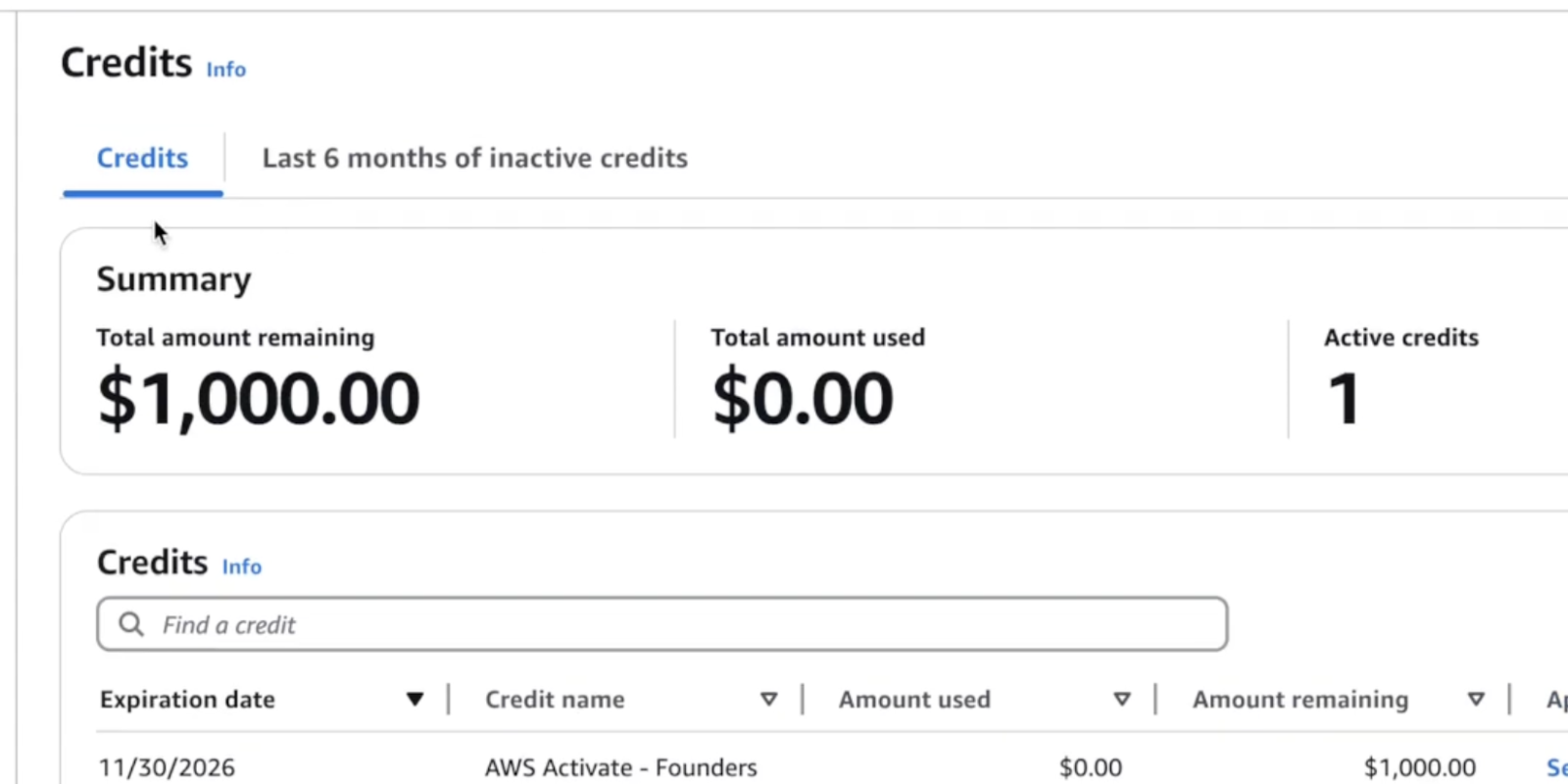
Cloud learning can become expensive very quickly — especially once you start experimenting with real infrastructure.
Things like:
- Load Balancers
- Kubernetes clusters
- RDS databases
- CloudFront distributions
all add up over time.
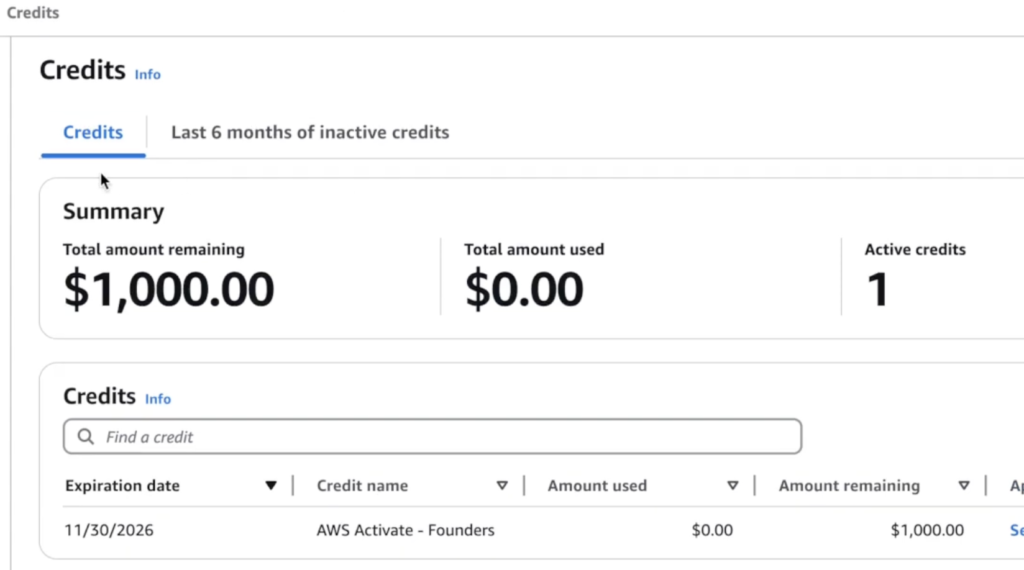
Recently, I applied for the AWS Activate Founders program and received $1000 in AWS credits. In this post, I’ll explain the application process, what helped my application, and a few things I learned along the way.
What is AWS Activate Founders?
AWS Activate is a startup support program from Amazon Web Services designed for founders and early-stage builders.
The Founders tier is mainly intended for:
- small startups,
- solo founders,
- builders,
- and early-stage products
that are using AWS infrastructure.
The program provides:
- AWS credits
- learning resources
- startup support tools
to help teams build on AWS.
Why I Applied
Most of my recent learning and projects have involved:
- AWS
- Docker
- Kubernetes
- Cloud security
- DevOps infrastructure
I’ve also been running this blog on an AWS EC2 instance using Docker, which helped me better understand real cloud deployments and containerized infrastructure.
As I started building more practical projects and experimenting with cloud architecture, I realized cloud costs can grow quickly during learning and testing.
That’s what made the AWS credits genuinely useful.
Step 1: Join AWS Activate
The first step is creating an AWS Activate account.
You need:
- an AWS account,
- an email,
- and basic startup/project information.
After logging in, the application flow becomes fairly straightforward.
Step 2: Choose the Founders Tier
AWS Activate offers different startup programs.
For early-stage builders without major funding, the:
Activate Founders
tier is usually the relevant option.
This tier is designed for startups that are still building and experimenting.
Step 3: Add Startup Details
The application asks for:
- startup name,
- industry,
- team size,
- and founder details.
You may also be asked:
- how long you’ve used AWS,
- what services you plan to use,
- and what kind of infrastructure you’re building.
One Important Thing I Noticed
A very important part of the application is:
👉 explaining your product and AWS usage clearly.
Instead of writing something generic like:
"I want to host a website."
it helps to be more specific.
For example:
- hosting applications on EC2
- using RDS for databases
- CloudFront for CDN
- Docker-based deployments
- Kubernetes experimentation
The more practical and realistic the use case sounds, the stronger the application feels.
AWS Services I Mentioned
Some of the AWS services relevant to my projects included:
- EC2
- RDS
- Route 53
- CloudFront
- Load Balancers
because most of my learning projects involve practical DevOps and cloud infrastructure setups.
Funding & Startup Questions
The application also asks about:
- startup funding stage
- planned AWS spending
- team size
- marketing and infrastructure plans
In my case, the application was focused mainly on practical cloud usage and experimentation.
Linking AWS Account
One important step:
- link your AWS root account correctly.
This is where the credits eventually get attached after approval.
Always double-check the AWS account being used before submitting.
Approval Timeline
In my experience, the approval process was fairly quick.
The credits were approved within a few days after submission.
Of course, approval timelines can vary depending on the application and review process.
Having a Website Helps
One thing I personally believe helped:
👉 having a live website and real project presence.
At the time of applying:
- I already had a domain,
- practical AWS projects,
- and ongoing DevOps content.
That likely made the application feel more genuine.
Note: It seems is AWS checking thoroughly, and it appears that we must have functional website, not just landing page, before applying for credits read their terms thoroughly.
Why These Credits Matter for Learning
Cloud becomes much easier to understand once you:
- deploy things yourself,
- troubleshoot real infrastructure,
- and experiment with services directly.
The AWS credits make that process less stressful financially.
Instead of worrying about every resource cost immediately, you can focus more on:
- learning,
- building,
- and testing architectures.
Important Reminder About AWS Costs
One thing beginners should remember:
AWS resources continue charging unless deleted.
This includes:
- EC2
- Load Balancers
- RDS
- Elastic IPs
- NAT Gateways
Even with credits, learning proper cleanup is important.
Practical Projects I’m Using Credits For
Some areas I’m currently exploring include:
- Docker deployments
- Kubernetes practice clusters
- CloudFront architectures
- AWS WAF testing
- CI/CD workflows
- WordPress hosting on AWS
Hands-on experimentation teaches much more than theory alone.
Full Video Walkthrough
I also created a complete walkthrough showing:
- how I applied,
- the AWS Activate Founders process,
- startup profile setup,
- AWS usage details,
- and practical tips that may help strengthen applications.
👉 Watch the full walkthrough here:
Final Thoughts
Getting AWS credits was definitely helpful, but the biggest value is the ability to experiment with real infrastructure without constantly worrying about every deployment cost.
In my experience, cloud and DevOps skills improve much faster once you:
- build real systems,
- break things,
- troubleshoot,
- and rebuild.
That practical cycle teaches a lot.
What I’m Planning Next
Some upcoming areas I want to continue exploring:
- Kubernetes deployments
- DevSecOps workflows
- CI/CD pipelines
- Cloud security
- Infrastructure automation
- Real-world AWS architectures
I’ll continue documenting practical setups and learning experiences on this site.
👉 Bonus Tip
If you’re learning AWS or DevOps, try building small real-world projects instead of only watching tutorials.
Even simple deployments teach networking, security, and infrastructure concepts much faster.
Related Guides
If you’re learning AWS and DevOps, also check:
- AWS S3 + CloudFront Setup
- AWS WAF Explained
- WordPress on AWS with ALB & SSL
- K3s on AWS EC2
- DevOps + Cyber Security Roadmap
About the Author
Madhukar Reddy is a DevOps engineer focused on AWS, Docker, Kubernetes, cloud infrastructure, and cyber security. He shares practical cloud and DevOps content based on hands-on deployments, infrastructure troubleshooting, and real-world learning projects.