
When I was learning Docker, it honestly sounded confusing. Words like containers, images, and virtualisation made it feel complicated.
But once I used it in a real project, I realised Docker is actually solving a very simple problem.
Let me explain it in a way that actually makes sense.
What is Docker?
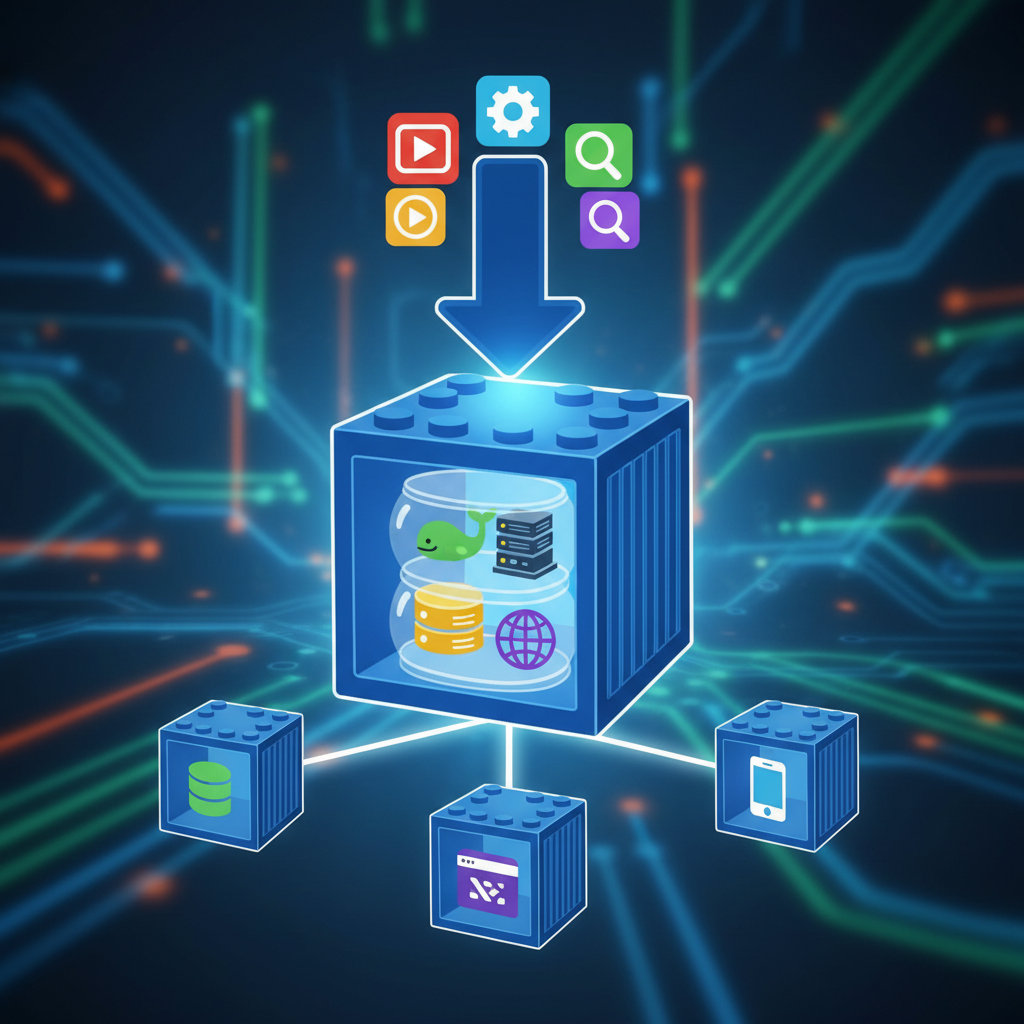
Docker is a tool that lets you package an application along with everything it needs (code, libraries, dependencies) into a single unit called a container.
This container can run anywhere — your laptop, a server, or the cloud — without any changes.
Why Do We Need Docker?
Before Docker, developers faced a very common problem:
“It works on my machine, but not on yours.”
This happens because:
- Different OS versions
- Different dependencies
- Different configurations
Docker fixes this by creating a consistent environment.
Real Example (Understand This Clearly)
Let’s say you built a Node.js application.
On your laptop:
- Node version = 18
- Installed packages = specific versions
Now you send your code to a server.
Problem:
- Server has Node version 14
- Some dependencies break
Your app fails.
With Docker:
You create a Docker container that includes:
- Node 18
- Your app code
- All dependencies
Now, wherever you run this container, it behaves exactly the same.
What is a Docker Container?
A container is a lightweight, isolated environment where your application runs.
Think of it like a mini computer inside your system, but much faster and smaller than a virtual machine.
Container runs as a process on a host machine inside PID namespace, if you kill this process, container will be dead.
I’m currently running this blog on an AWS EC2 instance using Docker, and setting it up actually helped me understand containerised deployments much better in a real environment.
Key Docker Concepts (Don’t Skip)
1. Image
A blueprint for your container.
Example:
- Node image
- Python image
- Custom images we build using base images
2. Container
A running instance of an image (Running state of an application)
3. Dockerfile
A simple file where you define:
- Base image
- Dependencies
- Commands to run your app
4. Docker Hub
A public repository where you can find ready-made images.
we have ECR in AWS, ACR in Azure, GCR on Google Cloud Platform, and even we can host our own private registry using registry image.
How Docker Works (Simple Flow)
- Write a Dockerfile
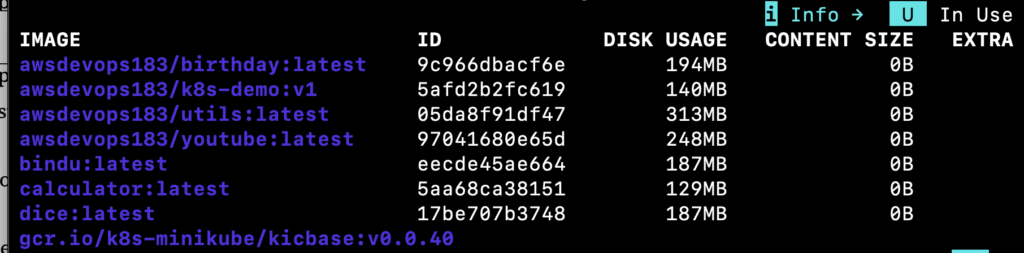
- Build an image
- Run a container
That’s it.
Basic Docker Commands
Here are a few commands to get started:
docker –version
docker pull nginx
docker run -d -p 8000:80 nginx
docker ps
docker stop <container_id>
These commands help you:
- Check Docker installation
- Download images
- Run containers
Real Use Cases of Docker
Docker is used everywhere in modern development:
- Running applications consistently
- Microservices architecture
- CI/CD pipelines
- Cloud deployments
If you’re learning DevOps, Docker is a must-know skill.
Is Docker Hard to Learn?
Not really.
The basics can be learned in a few days if you:
- Practice commands
- Build small containers
- Experiment with projects
Why Docker is Important for DevOps
Docker is a core part of DevOps because it:
- Ensures consistency
- Speeds up deployments
- Reduces environment issues
Most modern systems use Docker in some form.
Final Thoughts
Docker may look technical at first, but it’s solving a very practical problem.
Once you start using it, you’ll realize how much time it saves — especially when deploying applications.
What You Should Do Next
Start with this:
- Install Docker on your system
- Run your first container (nginx)
- Create a simple Dockerfile
Even a small hands-on practice will make things much clearer.
Bonus Tip
If you’re planning to learn DevOps or cloud, don’t skip Docker. It’s one of the most important tools you’ll use in real projects.

Related articles
 DevOps
End-to-End DevOps Project for Resume | GitHub Actions + AWS + Docker + EKS
People understand tools differently: A lot of people understand individual tools separately. They may know: but struggle to connect everything together into…
 Linux
Linux
Linux User Setup & Non-Interactive Shell Explained | Real DevOps Security Practice
When people first start learning Linux for DevOps, user management often feels very basic. Commands like: seem simple initially. But once you…
 AWS
AWS
DevOps Roadmap 2026 | What You Should Actually Learn to Become a DevOps Engineer
A lot of people starting DevOps get stuck because they try learning everything at once. One day it’s Docker.Next day it’s Kubernetes.Then…