What is Docker? A Simple Beginner Guide with Real Example
 madhukarreddyeng
3 min read
madhukarreddyeng
3 min read
When I first heard about Docker, it honestly sounded confusing. Words like containers, images, and virtualization made it feel complicated.
But once I used it in a real project, I realized Docker is actually solving a very simple problem.
Let me explain it in a way that actually makes sense.
What is Docker?
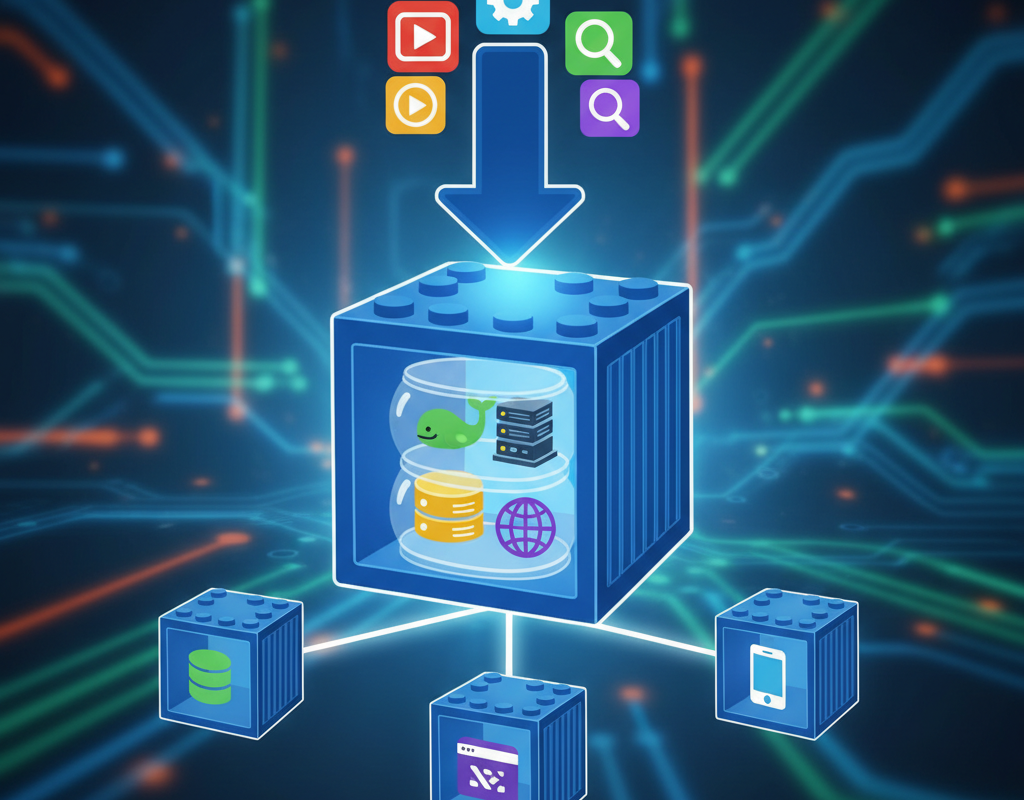
Docker is a tool that lets you package an application along with everything it needs (code, libraries, dependencies) into a single unit called a container.
This container can run anywhere — your laptop, a server, or the cloud — without any changes.
Why Do We Need Docker?
Before Docker, developers faced a very common problem:
“It works on my machine, but not on yours.”
This happens because:
- Different OS versions
- Different dependencies
- Different configurations
Docker fixes this by creating a consistent environment.
Real Example (Understand This Clearly)
Let’s say you built a Node.js application.
On your laptop:
- Node version = 18
- Installed packages = specific versions
Now you send your code to a server.
Problem:
- Server has Node version 14
- Some dependencies break
Your app fails.
With Docker:
You create a Docker container that includes:
- Node 18
- Your app code
- All dependencies
Now, wherever you run this container, it behaves exactly the same.
What is a Docker Container?
A container is a lightweight, isolated environment where your application runs.
Think of it like a mini computer inside your system, but much faster and smaller than a virtual machine.
’m currently running this blog on an AWS EC2 instance using Docker, and setting it up actually helped me understand containerized deployments much better in a real environment.
Key Docker Concepts (Don’t Skip)
1. Image
A blueprint for your container.
Example:
- Node image
- Python image
2. Container
A running instance of an image.
3. Dockerfile
A simple file where you define:
- Base image
- Dependencies
- Commands to run your app
4. Docker Hub
A public repository where you can find ready-made images.
How Docker Works (Simple Flow)
- Write a Dockerfile
- Build an image
- Run a container
That’s it.
Basic Docker Commands
Here are a few commands to get started:
docker --version
docker pull nginx
docker run -d -p 80:80 nginx
docker ps
docker stop <container_id>
These commands help you:
- Check Docker installation
- Download images
- Run containers
Real Use Cases of Docker
Docker is used everywhere in modern development:
- Running applications consistently
- Microservices architecture
- CI/CD pipelines
- Cloud deployments
If you’re learning DevOps, Docker is a must-know skill.
Is Docker Hard to Learn?
Not really.
The basics can be learned in a few days if you:
- Practice commands
- Build small containers
- Experiment with projects
Why Docker is Important for DevOps
Docker is a core part of DevOps because it:
- Ensures consistency
- Speeds up deployments
- Reduces environment issues
Most modern systems use Docker in some form.
Final Thoughts
Docker may look technical at first, but it’s solving a very practical problem.
Once you start using it, you’ll realize how much time it saves — especially when deploying applications.
What You Should Do Next
Start with this:
- Install Docker on your system
- Run your first container (nginx)
- Create a simple Dockerfile
Even a small hands-on practice will make things much clearer.
Bonus Tip
If you’re planning to learn DevOps or cloud, don’t skip Docker. It’s one of the most important tools you’ll use in real projects.