
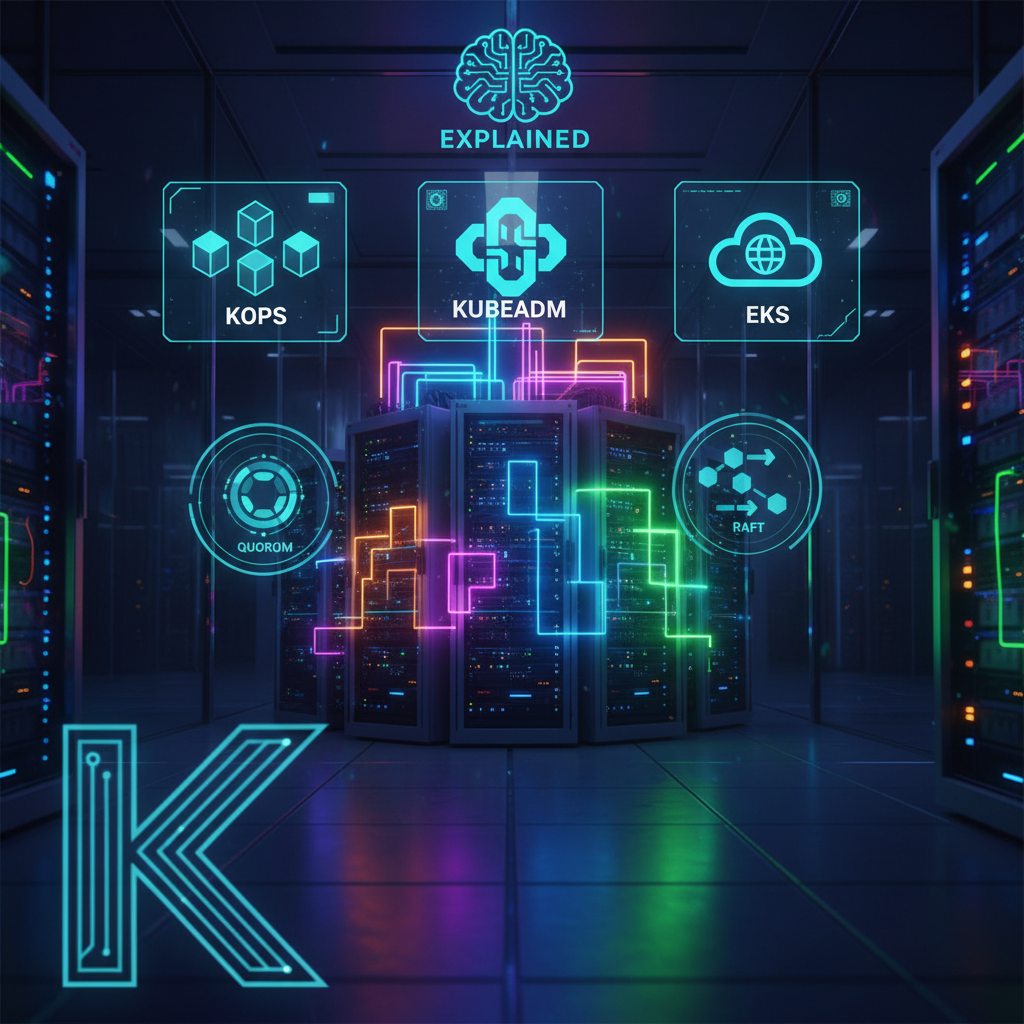
If you’re learning Kubernetes, one of the biggest questions you’ll face is:
👉 “How do I actually create a Kubernetes cluster?”
The answer is — there isn’t just one way.
In this guide, we’ll break down:
- All major ways to create a Kubernetes cluster
- When to use each method
- What Quorum is and why it matters
- How the RAFT algorithm works (in simple terms)
- A real-world example using Kops
Watch the Full Video:
Why Understanding Cluster Setup Matters
Before jumping into commands, understand this:
Kubernetes is not just a tool — it’s a distributed system.
And distributed systems come with challenges like:
- Node failures
- Data consistency
- Leader election
That’s where concepts like Quorum and RAFT become critical.
Ways to Create a Kubernetes Cluster
There are multiple ways to set up a Kubernetes cluster depending on your needs:
1. Kops (Production-ready on AWS)
- Best for: Real-world AWS environments
- Automates cluster creation using infrastructure
- Uses S3 as state store
👉 Great for learning + production-like setups
2. Kubeadm (Official Tool)
- Provided by Kubernetes itself
- Gives full control over cluster setup
- Requires manual configuration
👉 Best for deep learning
3. Rancher / RKE
- UI-based Kubernetes management
- Easier for teams
- Enterprise-friendly
👉 Best for organizations
4. K3s (Lightweight Kubernetes)
- Minimal resource usage
- Easy to install
- Ideal for edge environments
👉 Best for low-resource setups
5. Minikube / Kind (Local Development)
- Run Kubernetes locally
- Perfect for practice
👉 Best for beginners
6. Managed Kubernetes (EKS / AKS / GKE)
- Cloud providers manage everything
- No need to worry about control plane
👉 Best for production at scale
7. Terraform (Infrastructure as Code)
- Automates cluster creation
- Version-controlled infrastructure
👉 Best for DevOps workflows
What is Quorum?
In simple terms:
Quorum is the minimum number of nodes required to make decisions in a cluster.
Without quorum, the system cannot safely operate.
RAFT Algorithm (Simplified)
Kubernetes uses distributed system principles like RAFT.
Formula:
(N - 1) / 2
👉 This tells you how many node failures the cluster can tolerate.
Example:
If you have 3 nodes:
(3 - 1) / 2 = 1
👉 The cluster can tolerate 1 node failure
What Happens If Quorum is Lost?
If too many nodes fail:
- Cluster becomes read-only
- No new writes allowed
- Leader election fails
- System becomes unstable
👉 This is why production clusters use odd number of nodes (3, 5, 7)
Deploying Kubernetes Cluster with Kops
Let’s look at a real example.
Prerequisites
You need:
- Kops
- Kubectl
- AWS CLI
Set State Store
export KOPS_STATE_STORE=s3://realreview.com
Create Cluster
kops create cluster k8s.aws365.shop \
  --state=s3://realreview.com \
  --cloud=aws \
  --zones=us-east-1a \
  --control-plane-count=1 \
  --control-plane-zones=us-east-1a \
  --control-plane-size=t3.medium \
  --node-count=2 \
  --node-size=t3.medium \
  --dns-zone=aws365.shop \
  --networking=calico \
  --topology=public \
  --api-loadbalancer-type=public
Apply Cluster
kops update cluster k8s.aws365.shop --yes
Validate Cluster
kops validate cluster --wait 10m
Smoke Testing
Check cluster:
kubectl get nodes
kubectl get ns
kubectl get po -n kube-system
Deploy Test App
kubectl create deployment test --image=nginx --replicas=3
kubectl expose deployment test --port=80 --type=LoadBalancer
Cleanup
kops delete cluster k8s.aws365.shop --yes
Final Thoughts
Kubernetes cluster setup is not just about running commands.
It’s about understanding:
- Which tool to use
- How distributed systems work
- Why quorum and RAFT are critical
👉 Once you understand this, Kubernetes becomes much easier.
What’s Next?
👉 Installing Kubernetes & deploying your first app:
About the Author
Madhukar Reddy is a DevOps engineer focused on AWS, Kubernetes, Docker, cloud infrastructure, and cyber security. He shares practical cloud and security content based on hands-on experience, real-world projects, and DevOps learning journeys.

Related articles
 DevOps
End-to-End DevOps Project for Resume | GitHub Actions + AWS + Docker + EKS
People understand tools differently: A lot of people understand individual tools separately. They may know: but struggle to connect everything together into…
 AWS
AWS
K3s on AWS EC2 Setup in Minutes | K3s vs Minikube Explained
When most people start learning Kubernetes, they usually begin with Minikube. And honestly, that’s what I did too. But after trying K3s…
 Kubernetes
Top 5 Kubernetes Errors (and How to Fix Them) – Real Examples
When you start working with Kubernetes, everything looks fine — until your pods start failing. Errors like CrashLoopBackOff or ImagePullBackOff can feel…